API and MCP
Two doors into the same read-only data: MCP for AI assistants, REST for your own scripts. Both are available on Pro, Studio and Agency.
MCP — connect an AI assistant
MCP (Model Context Protocol) lets Claude, ChatGPT, Cursor and similar assistants read your Glimana data and answer questions such as "what should I fix this week on example.com?" or "which of my tasks had a measured impact?".
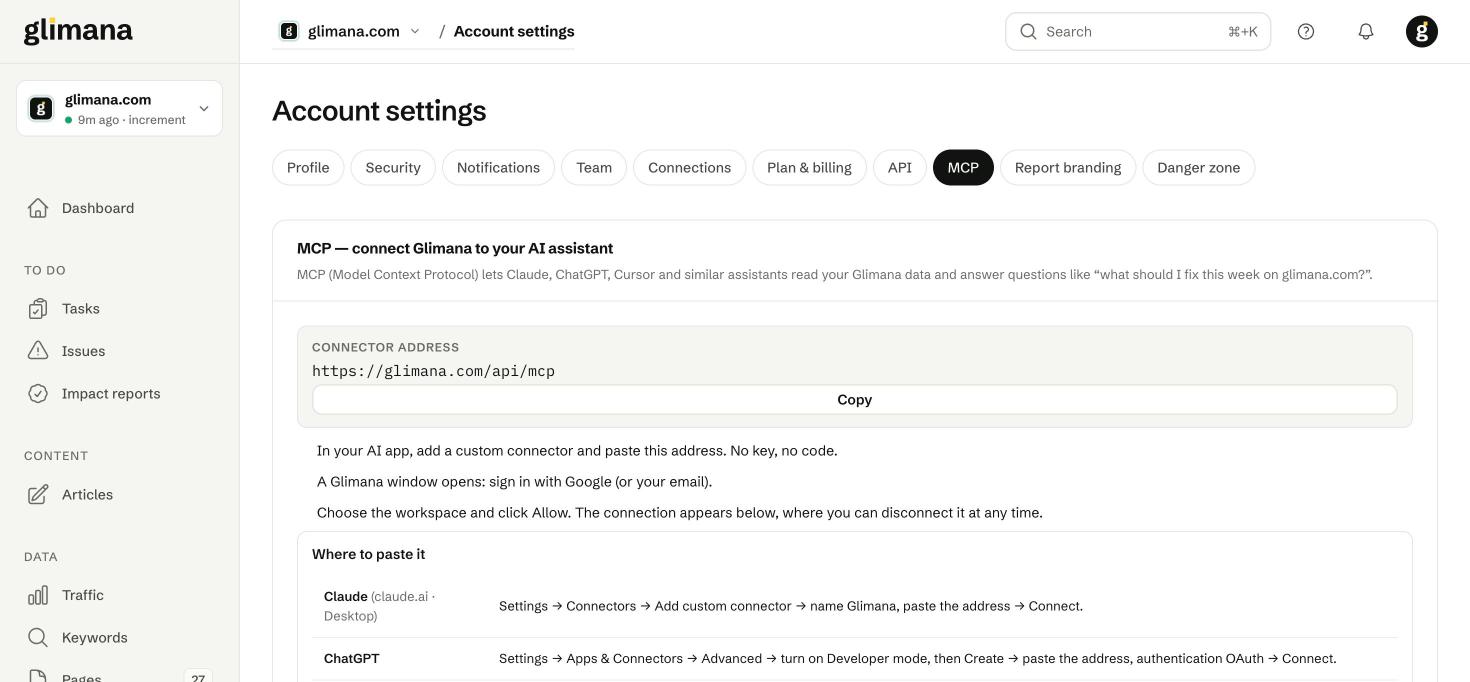
The connector address is https://glimana.com/api/mcp. It uses OAuth 2.1 with dynamic client registration and PKCE, so no key is involved: the app opens a Glimana window, you sign in (Google or email), choose the workspace and click Allow. The connection then appears on the MCP tab, where you can disconnect it at any time.
Settings → Connectors → Add custom connector → name it Glimana, paste the address → Connect. Approve in the Glimana window that opens.
Settings → Apps & Connectors → Advanced → turn on Developer mode → Create → paste the address, authentication OAuth → Connect.
claude mcp add --scope user --transport http glimana https://glimana.com/api/mcp
/mcp inside Claude Code and authenticate. --scope user makes the connector available in every project.
Add to ~/.cursor/mcp.json (or the project's .cursor/mcp.json) and restart Cursor:
{ "mcpServers": { "glimana": { "url": "https://glimana.com/api/mcp" } } }
What the assistant can read
| Tool | Returns |
|---|---|
list_sites |
Your sites with health score and last crawl. |
get_site_summary |
Last 28 days of Search Console clicks, impressions, CTR and position. |
get_priority_tasks |
Open tasks in priority order, with the reason and how to do them. |
get_open_issues |
Open audit issues, affected pages and the fix. |
get_impact_results |
Measured 28-day click impact of finished tasks. effect_clicks is the measured effect (clicks after the change minus the clicks expected from the control group), with effect_pct, expected_clicks, z_score and outcome; clicks_change and clicks_change_pct are the raw before/after difference. |
get_top_queries |
Top Search Console queries. |
get_ai_bot_access |
Whether AI assistants and crawlers can read the site. |
Everything is read-only: the assistant cannot change, delete or publish anything. Under Advanced on the tab there is a header-based key method for clients that cannot do OAuth; prefer the sign-in flow.
REST API
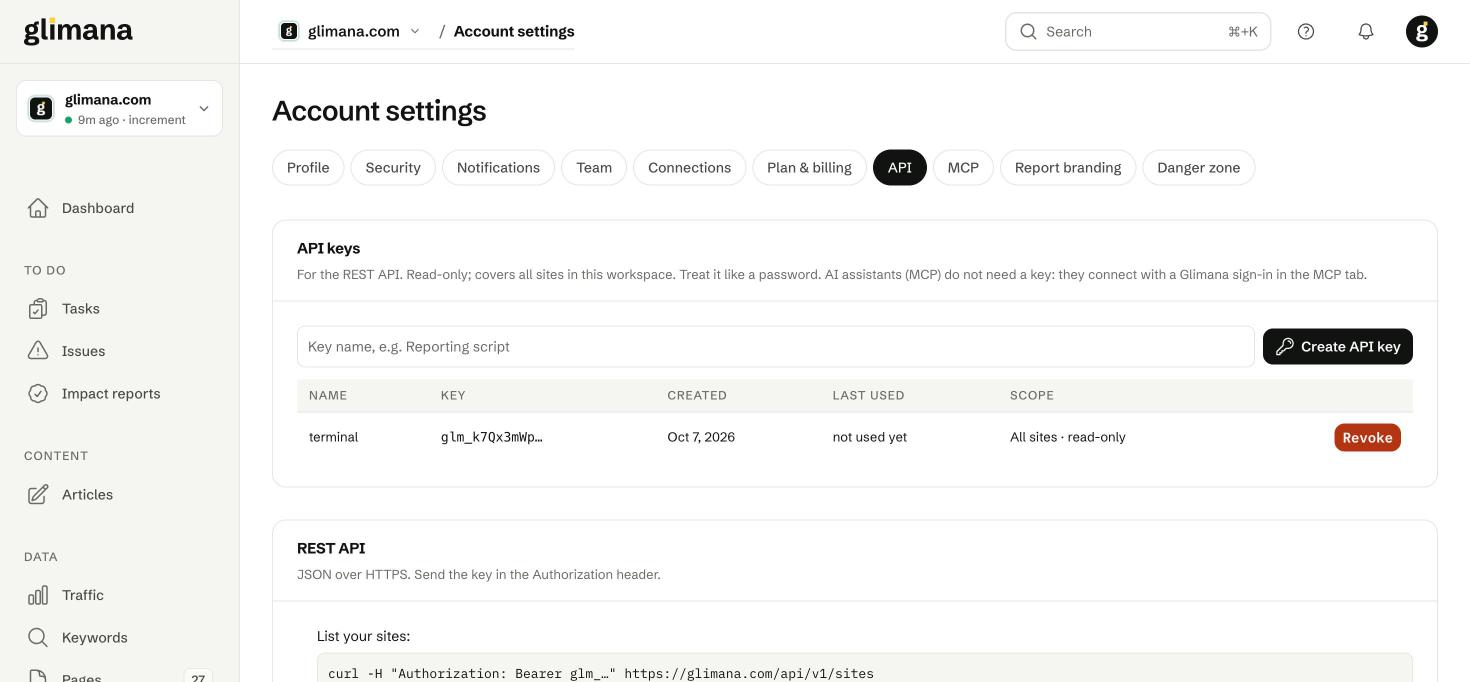
- Account settings → API → name the key (for example "Reporting script") → Create API key. The key (
glm_…) is shown once; store it like a password. - Send it in the header:
Authorization: Bearer glm_… - Add
?lang=trto any request for Turkish text fields.
curl -H "Authorization: Bearer glm_…" https://glimana.com/api/v1/sites
| Endpoint | Returns |
|---|---|
GET /api/v1/sites |
Sites in the workspace. |
GET /api/v1/sites/{site}/summary |
28-day Search Console summary. |
GET /api/v1/sites/{site}/tasks |
Open tasks, ranked. |
GET /api/v1/sites/{site}/issues |
Open issues with affected page counts. |
GET /api/v1/sites/{site}/impacts |
Measured impact results — same fields as get_impact_results (effect_clicks is the control-adjusted number; clicks_change is raw). |
GET /api/v1/sites/{site}/queries |
Top queries (28 days). |
GET /api/v1/sites/{site}/ai-access |
AI bot access results. |
Rate limits: 60 requests/minute on Pro, 120 on Studio, 300 on Agency. On the Free plan every call returns plan_required with an upgrade_url. Over the limit you get 429 with a Retry-After header. Errors: 401 bad or missing key, 403 key does not cover the site, 404 unknown site. Keys cover every site in the workspace and are read-only. Revoking a key takes effect immediately.
This page is the full reference; the field names above are the response schema.