Account, team and billing
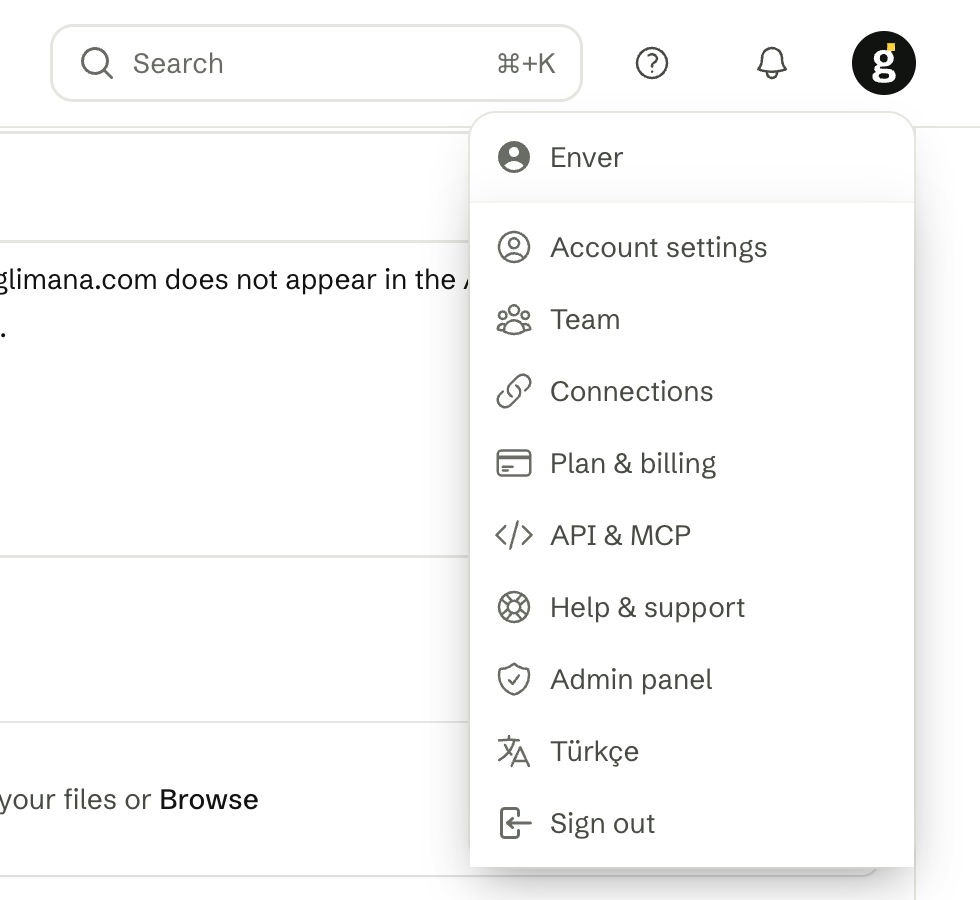
Account settings are workspace-wide and open from the avatar menu in the top-right corner. The tabs: Profile · Security · Notifications · Team · Connections · Plan & billing · API · MCP · Report branding · Danger zone.
Profile
Your name, email, panel language (English or Türkçe — more on the way) and time zone. The time zone sets when scheduled emails arrive and how times are shown. Changing the email asks for your current password; changing the password lives under Security, together with two-factor authentication and the list of active sessions.
Team
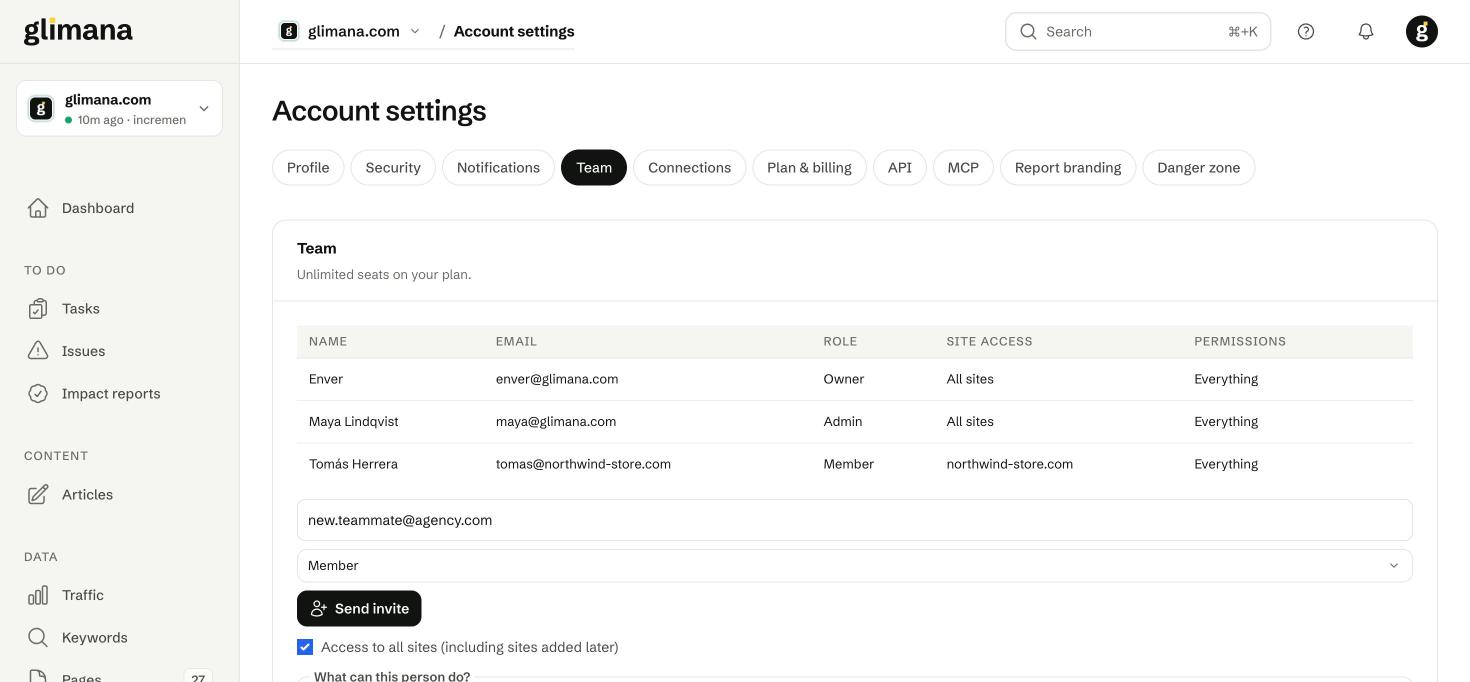
Invite by email with a role and a site scope. Seats depend on the plan (Pro 3, Agency unlimited).
| Can… | Owner | Admin | Member |
|---|---|---|---|
| See data and reports on their sites | ✓ | ✓ | ✓ |
| Work on tasks and issues, write and publish articles | ✓ | ✓ | ✓ |
| Start crawls and AI access tests, share and download reports | ✓ | ✓ | ✓ |
| Which sites | All | All | All or selected |
| Add, configure and delete sites | ✓ | ✓ | — |
| Google / Bing and publishing connections | ✓ | ✓ | — |
| Team, roles and site access | ✓ | ✓ | — |
| API and MCP keys, notification channels, report branding | ✓ | ✓ | — |
| Writer keys, wallet top-ups, plan and billing | ✓ | ✓ | — |
The owner is the person who created the workspace; the role cannot be transferred from this screen (ask support). Restrictions are enforced on the server: a member cannot open a restricted page even with a direct link. Alert and summary emails go to the owner and admins.
Plan & billing
This month's usage shows the plan, pages crawled against the monthly budget, crawls run, sites used against the allowance and the per-crawl cap. What used the budget lists finished crawls per site, so you can see which site is expensive.
At the limits: when the page budget is used up, no new crawl starts until the 1st; data, issues and tasks stay. A crawl that hits the budget mid-way finishes with the remaining pages and says so in the history. When the site allowance is full, deleting an unused site frees a slot, or move to the next plan; sites and seats are not sold separately. If infrastructure capacity is ever reached, a crawl is held and the reason appears under Stopped crawls; your data is not affected.
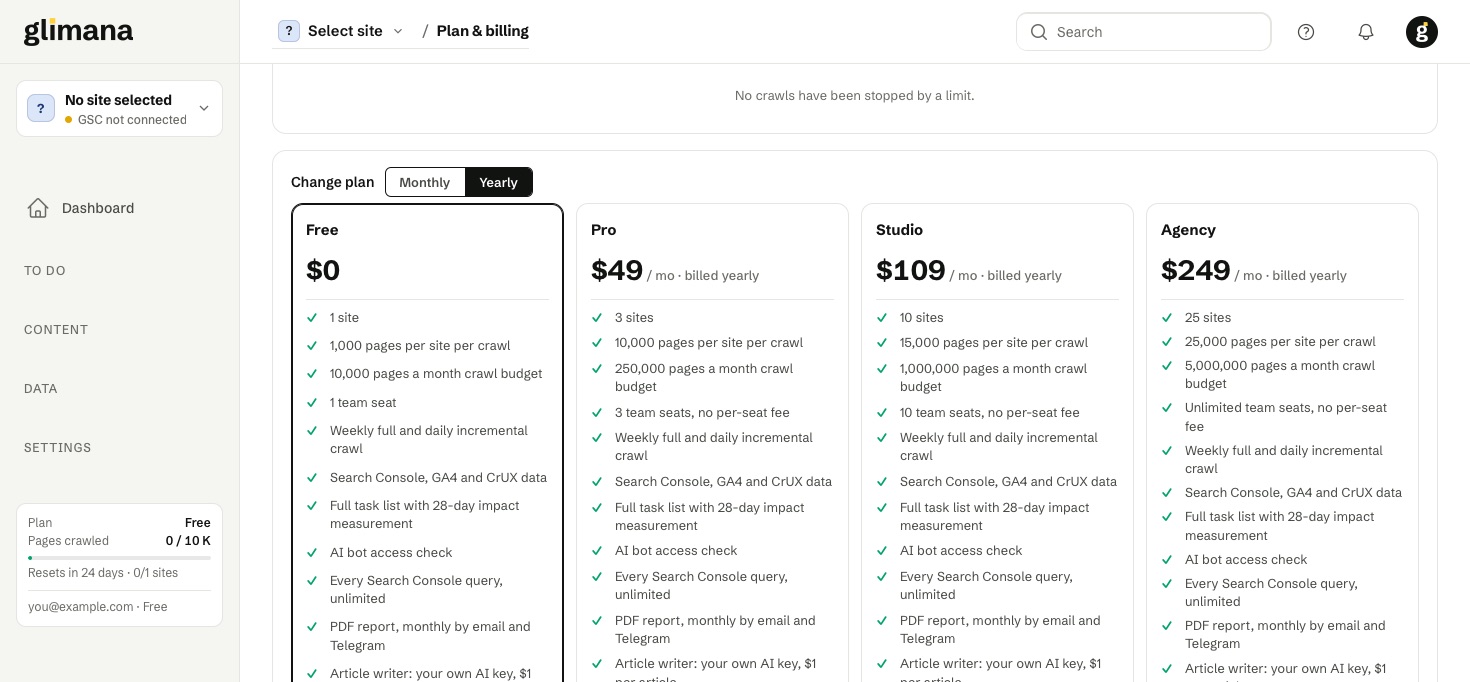
Plans. The plan cards on this tab list every feature of each plan — sites, pages per crawl, monthly budget, team seats, crawl frequency, data sources, tasks and impact measurement, AI bot checks, PDF reports, the article writer, API/MCP with its rate limit and white label — with features a plan lacks shown crossed out. The billing-period switch defaults to yearly for new customers and to your current period if you already pay monthly. Summary (monthly, or yearly at the discounted rate; no per-seat charges):
| Free | Pro | Studio | Agency | |
|---|---|---|---|---|
| Sites | 1 | 3 | 10 | 25 |
| Pages per crawl | 1,000 | 10,000 | 15,000 | 25,000 |
| Pages per month | 10,000 | 250,000 | 1,000,000 | 5,000,000 |
| Team seats | 1 | 3 | 10 | Unlimited |
| API & MCP | — | ✓ | ✓ (120 requests/min) | ✓ |
| White label (report branding) | — | — | ✓ | ✓ |
| Price | $0 | $59 monthly · $49/mo yearly | $129 monthly · $109/mo yearly | $299 monthly · $249/mo yearly |
Crawling, audits, tasks, Search Console, GA4 and CrUX data are all included. The only metered item is the article writer: $1.00 per article, with the AI cost on your own key (see Articles).
Payment. Plans and articles are paid from the prepaid wallet (top up in USDT); card payments are coming. The wallet balance and all billing records are always kept, whatever happens to the plan.
If a renewal fails
Nothing stops on the renewal date. If the wallet balance is not enough, you get a warning 7 days and 1 day before the period ends (with the amount needed and your current balance), then a 7-day grace period in which everything keeps working, with a last reminder on its final day. Topping up the wallet during the grace period renews the plan immediately. Only after the grace period does the workspace move to the Free plan, and the e-mail you receive lists exactly what changed, including the freeze and deletion dates. Trials and time-limited plans follow the same calendar with a "your trial ends on …" e-mail and no charge.
What a downgrade changes
Choosing a smaller plan yourself is only possible while you are within its limits (sites, seats); the panel blocks the change otherwise, so freezing only happens after an unpaid renewal or by an administrator's decision.
- API and MCP stop immediately on the Free plan; connected AI apps get a
plan_requirederror with a link to upgrade. - Team members above the new seat limit are suspended: they cannot open the workspace and their MCP connections stop. The owner always keeps access. Suspended members are marked Suspended on the Team page, where Keep this member instead swaps an active and a suspended member (up to three swaps a day); removing a member frees the seat for the next suspended one.
- Sites above the new site limit are frozen: the oldest sites stay active up to the limit, the rest are not crawled. Frozen sites carry a Frozen badge and sit at the end of the Sites list; Keep this site active instead swaps it with an active one (the confirmation names the site that will freeze in its place; up to three swaps a day). A frozen site shows a banner with the date its data will be deleted and an Upgrade link. Deleting a site frees the slot for the next frozen one.
- Frozen site data (crawls, issues, tasks, Search Console imports) is deleted 30 days after freezing, with a reminder 7 days before. The site and its settings stay.
Upgrading again re-opens frozen sites and suspended members immediately. A site whose data was deleted is re-crawled at once and its Search Console history is re-imported from Google. A free workspace that was paused for inactivity wakes up as soon as it moves to a paid plan.
Report branding
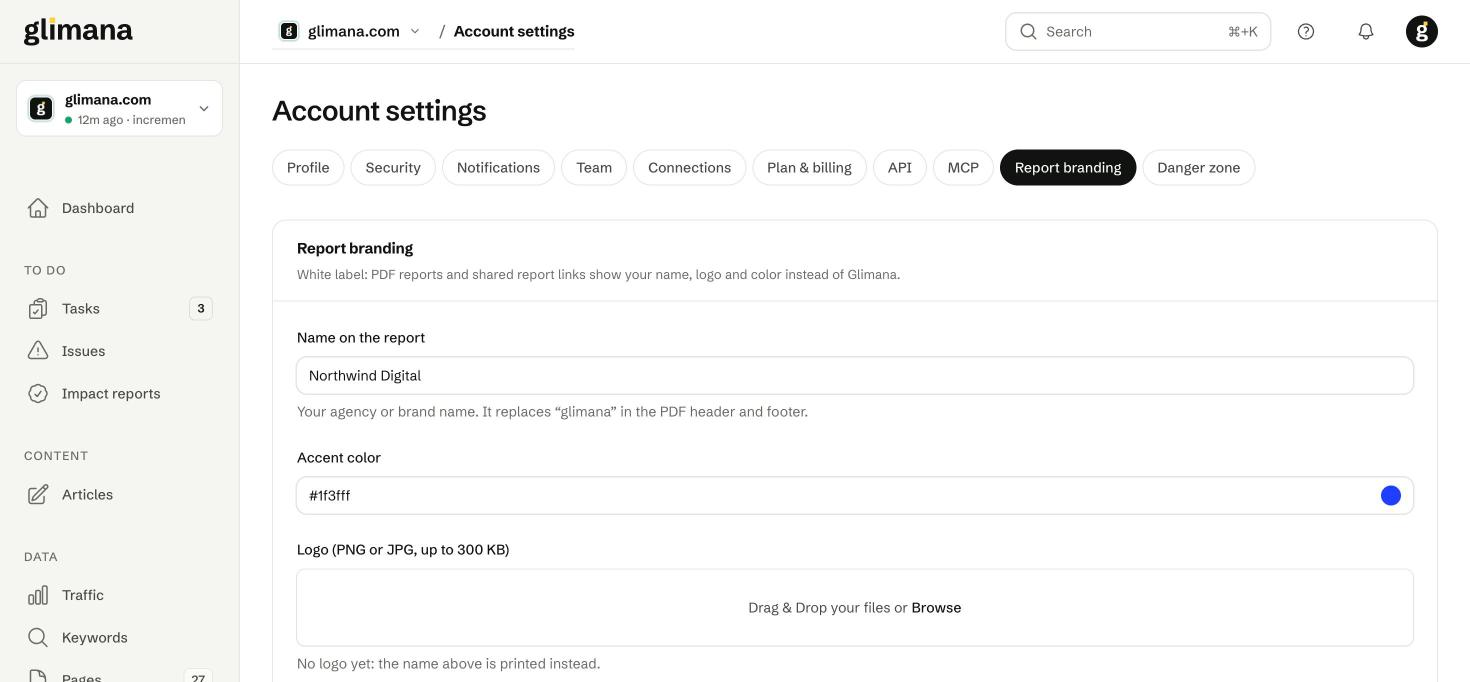
On the Studio and Agency plans, PDF reports and shared dashboard links show your name, logo (PNG or JPG, up to 300 KB) and accent colour instead of Glimana's; the PDF header reads "Prepared by
Inactive free accounts
Free workspaces that are not used are paused and, later, cleaned up. "Used" means real use: a page opened in the panel, or an API/MCP call. It is not the last login, so a session kept open with Remember me for months still counts as active as long as you open the panel.
| Time since last use | What happens |
|---|---|
| 30 days | The workspace is paused: crawls, Search Console and GA4 imports, speed/CrUX/Bing measurements and the weekly summary e-mail stop. You get an e-mail saying the account is paused and the date your site data will be deleted. |
| 53 days | Reminder: site data will be deleted in 7 days. |
| 60 days | Crawl, issue, task and Search Console data for your sites is deleted. The account, the sites, their settings and the Google connection stay. |
| 12 months | A warning 30 days before, then the account is deleted entirely. |
Coming back is one click: open the panel and you see "Welcome back, your sites are being re-crawled"; the crawl starts immediately. If the data had been deleted, Search Console history is re-imported from Google, which keeps 16 months, so almost nothing is lost.
Not affected: paid plans, administrator accounts, and workspaces with money in the article wallet (the wallet and billing records are always kept; only measurement data is removed). An account that drops from a paid plan to Free starts the counter on that day.
A site you delete from the panel is removed permanently, with its data, 30 days later.
The same periods are written into the Privacy Policy retention table; both read from one setting, so the policy and the behaviour cannot drift apart.
Danger zone
Export all workspace data, or delete the workspace. Delete account opens a confirmation dialog ("Delete your account? … Yes, delete my account"); confirming removes every site, crawl, draft and key and cannot be undone. Your wallet balance and billing records are kept for the legal retention period.